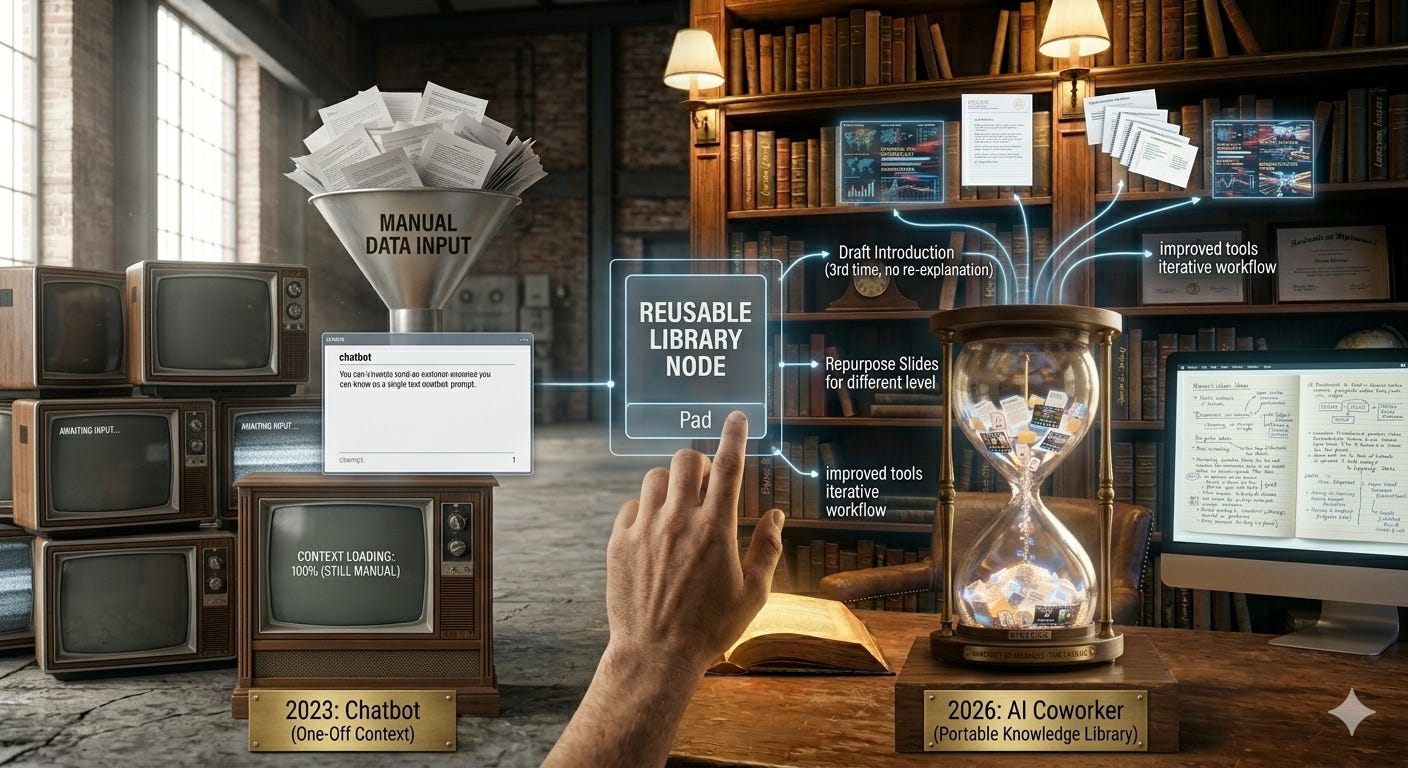
Why Your AI Has Amnesia
The Library of You is the Cure

TL;DR: AI isn’t getting smarter in the way most people think. The real shift is workflow. If you’re still using AI like a chatbot, you’re three years behind.
Every conversation starts from zero because the model has no persistent memory of you, your work, or your context. Claude Skills solve this by letting you build a reusable knowledge library, one markdown file per task, that the AI can pull from on demand.
Don’t want to read the blog, watch the video instead!
Click here to listen to podcast
I was busy the last few weeks getting ready for a conference and couldn’t dedicate my normal time to keeping up with AI. It had been a good four weeks since I’d been able to really go deep, and in just those four weeks the bleeding edge of workflows had changed.
If you’re in the early stages of learning AI, the capabilities feel relatively stable. You’re probably using chatbots, and if you’re adventurous, you’ve made a custom project or maybe a custom GPT. That’s a great start. It was also possible three years ago.
When you operate on the bleeding edge, there are major changes with almost every release. I’m not talking about AI intelligence or token limits. I’m talking about workflow. Think command line interfaces (CLI), more specifically Claude Code, and AI built directly into VS Code.

If you’re still using AI like a chatbot, congrats, you’re ahead of most people who aren’t using AI at all. But you’re about three years behind what’s now possible.
You need to start thinking of AI as a coworker you can offload real tasks to. I’ll write a separate post on Claude Code integration, but for now here’s the best way to explain where things are heading.
Context windows: the working memory problem
AI has what’s called a context window. Think of this as working memory (not really, but it’ll do for now). Every time you upload a file, ask a question, or get a response, it all has to be held in “memory.” Every time you talk to AI, it isn’t actually remembering your prior chats. What it’s doing is resending everything back and forth

I made this video a while back that explains this better:
Even with one million token context windows, if you upload a few large PDFs, a video or two, and some data, you’ll burn through that in thirty minutes of chat.
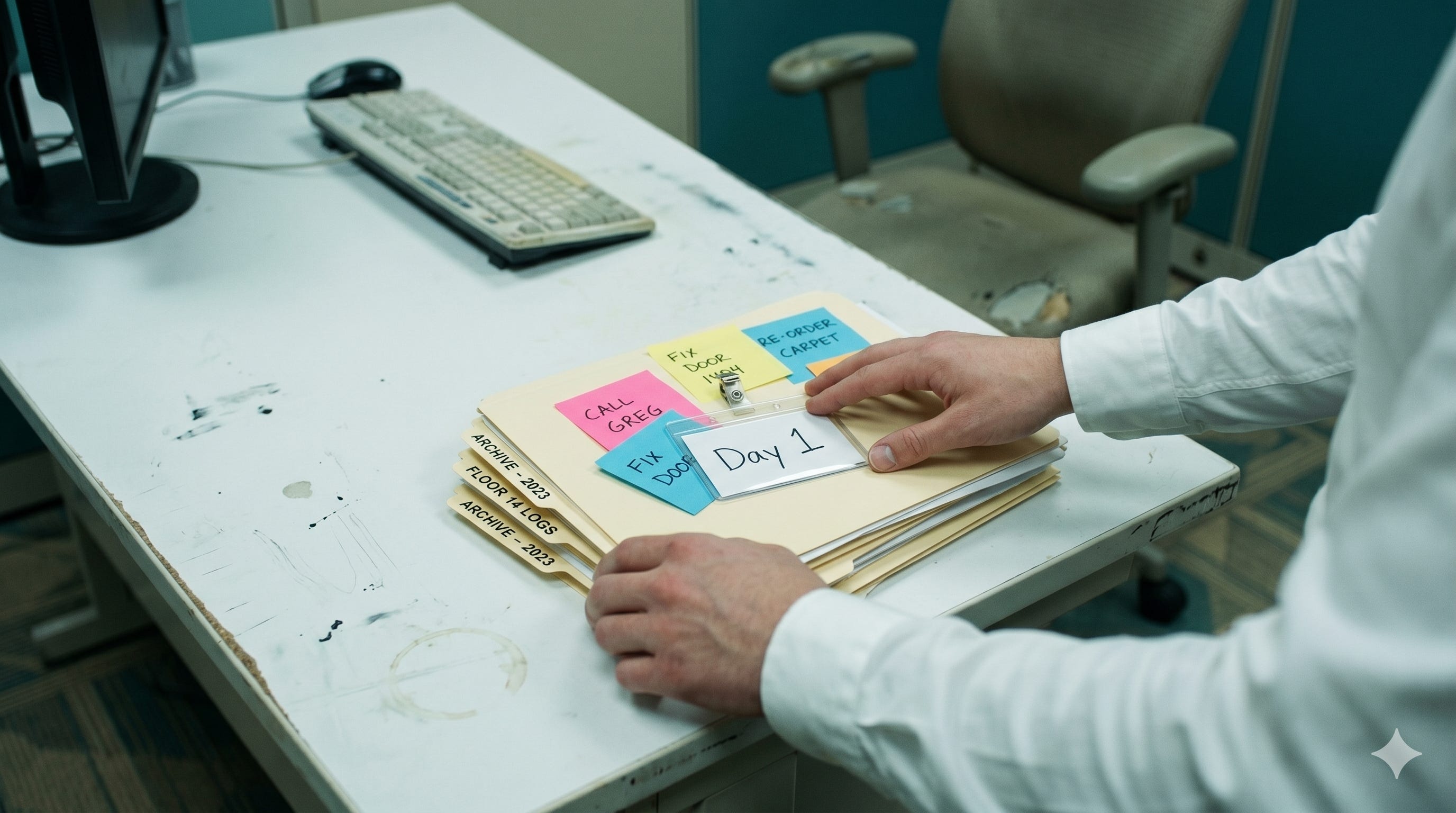
If you’ve seen the TV series Severance, AI is essentially a severed worker. The intelligence is fully intact in both contexts. The innie version is just as smart as the outie. But the innie has no access to anything the outie knows. Every task they need to perform on the severed floor has to be taught to them.

Every AI conversation starts the same way. The model walks onto the severed floor having never met you. Anything you’ve worked on together before, any preferences, any context about your job, has to be reintroduced unless you give it a way to access that knowledge on its own.
While not strictly true any more with custom instructions and a kind of persisting memory which auto updates, for this post lets assume that is not he case as it is very basic at best.
That’s the problem skills solve.
Build a Knowledge Library
New mindset: Google “Claude Skills” for the in-depth understanding.
Claude is the best AI at this right now, but the concept is coming to all AI eventually.
Take your last five years worth of projects, both in and out of work. Now imagine you had to train someone else to fully understand and perform these tasks. All they had to go from was your written instructions, knowledge, computer code, notes, and references. Everything would need to be in a machine accessible format.
That’s a lot of knowledge to upload every time you talk to AI.
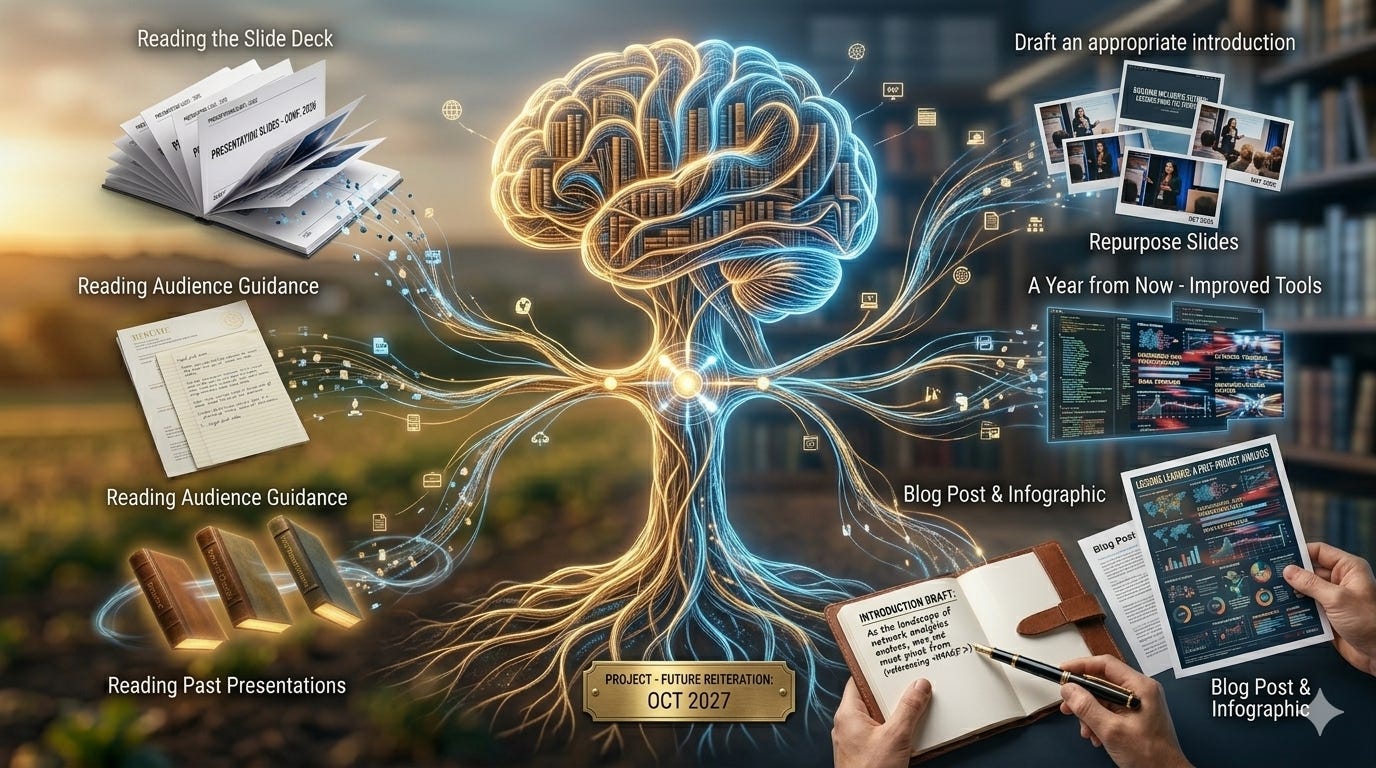
The Library of You
This is the best metaphor I’ve used for explaining skills.
Imagine a library.
Each book is a part of your life at the task level.
Each book has an executive summary.
Each page contains what’s needed to complete the task: background knowledge, computer code, API information, instructions on how to learn more from other books in your library, lessons learned, things to watch out for, reference material, and so on.
Take the last project or task you completed at work or at home. If you had to document it step by step, including all the information listed above, it gets pretty big. Even for basic tasks, you have to provide all the relevant context.
A Concrete Example
Say you want to give a presentation at a conference on “Repurposing Sponsored Research Data for Collaboration Network Analytics.” Let’s just focus on the opening slides. You’ll probably need an introduction covering who you are, what you do, and why you’re qualified to speak on this topic.
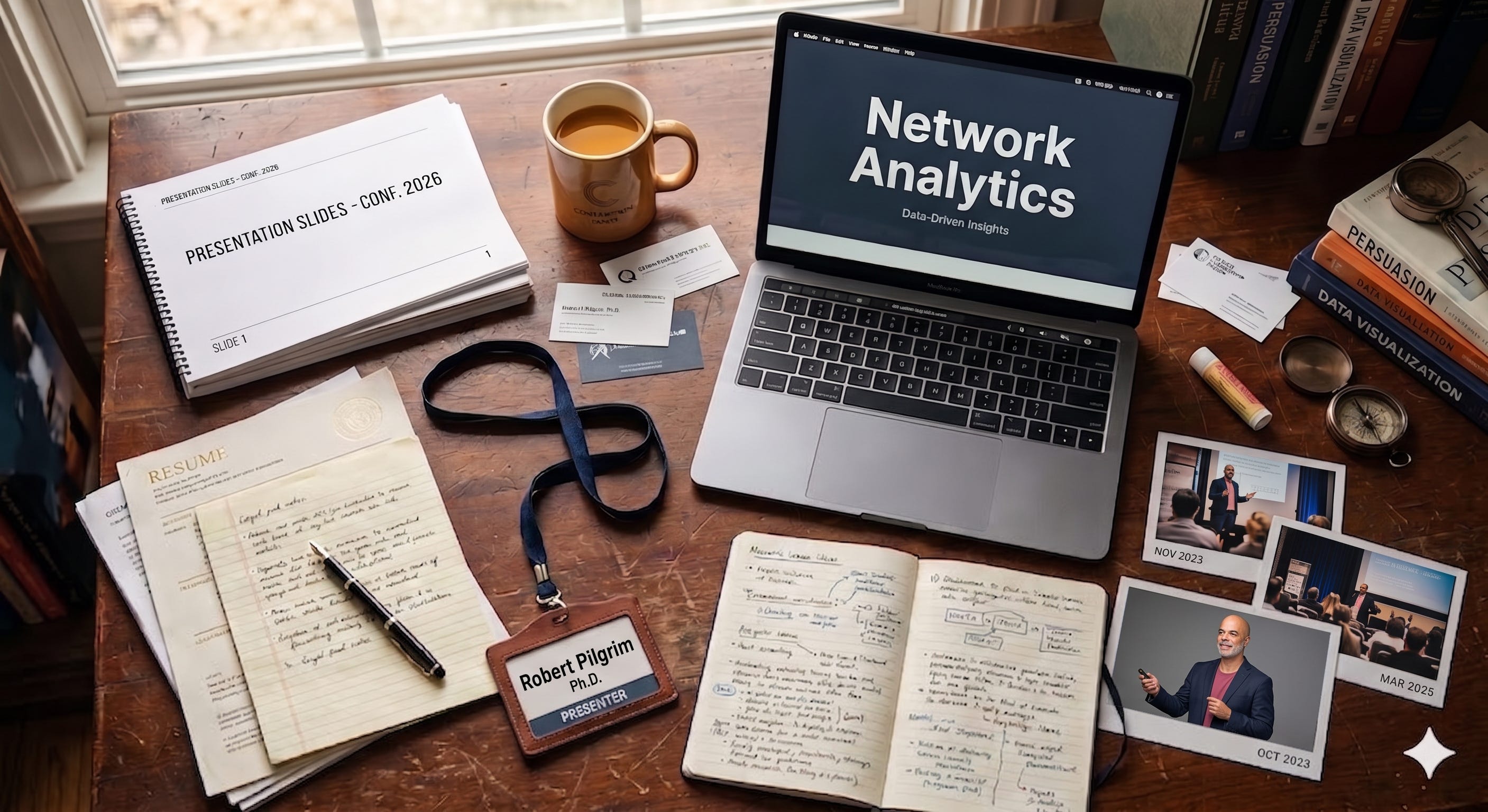
Slide: Who am I?
What you’re speaking about
What you’ve done on this topic
Relevant professional history
Educational background
What project from your job makes you qualified to speak on this
What tools you use, what other projects are related
Past talks and webinars
Sure, you could type this out every time you build a new presentation. But things get out of sync, and that’s a lot of duplication of effort. What if you want to write a blog post on it, change the audience, or repurpose the talk for an adjacent area?
Use Your Library
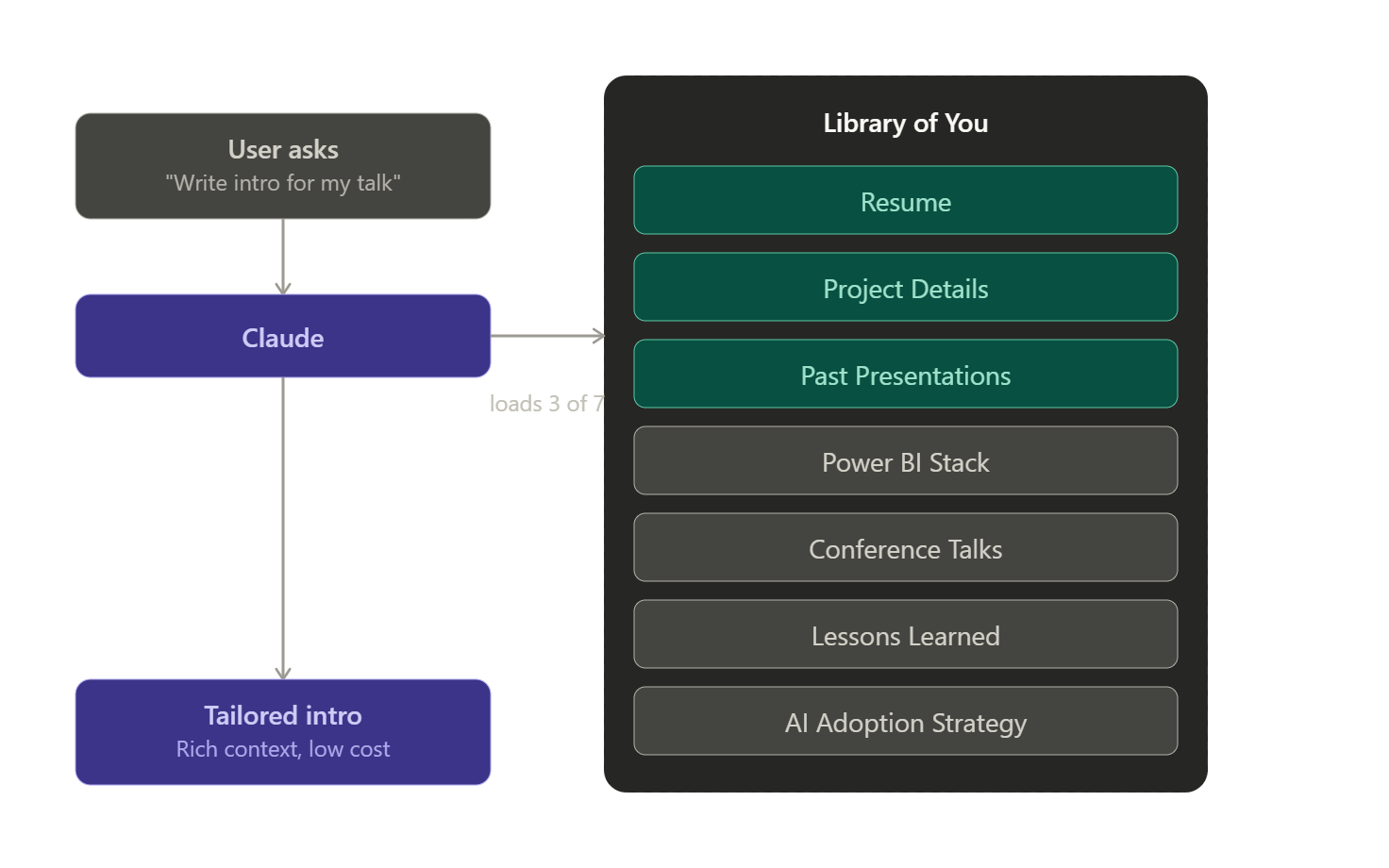
Let’s pull three books off the shelf: “Resume,” “Project Details,” and “Past Presentations.”

Behind the scenes, when you ask “make me an introduction for that talk,” the AI will:
Read the slide deck to understand the context
Read any guidance around the audience (level, familiarity with the topic, etc.)
Read your past presentations
Use all of this to draft an appropriate introduction
Even this simple act of generating an introduction isn’t actually simple. Humans take knowledge for granted. We can recall all of this stuff without much thought. But if you have to upload or type it out every time (which is essentially what you’re doing if you’re still thinking in terms of chatbots, projects, or custom GPTs), it adds up fast.
Now imagine you have to repurpose your slides for a different audience or level. Maybe a year from now you’ve improved the tools you use for this project. Or maybe you want to write a blog post, a how-to for your colleagues, or a nice infographic.

That’s more manual effort you have to expend every single time, unless you build the library once and reuse it.
The Shift in Mindset
The move from chatbot to coworker isn’t about a smarter model.
It’s about giving the model access to you: your work, your context, your accumulated judgment.
The intelligence has been there for a while. What’s new is the infrastructure to make your knowledge portable.
This isn’t free. You actually have to write the books. The first few skills feel like overhead. The payoff shows up the third or fourth time you reach for one and realize you didn’t have to re-explain anything.

If you take one thing from this post, it’s that the bottleneck is no longer the AI.
It’s how much of yourself you’ve made machine-readable.
More context AI Feels Useless Because It Can’t See Your Work (Short Version)
More context Building a Task System with Structured Markdown Files
How to start
Don’t try to retroactively document the last five years of your work. That’s a recipe for never starting.
Start now, with the next project or action item on your plate. Open a blank markdown file. Write the how-to as you do the work. Then do the same thing for the next task. And the next. Twelve weeks in, you’ll be surprised how large your knowledge base has gotten.
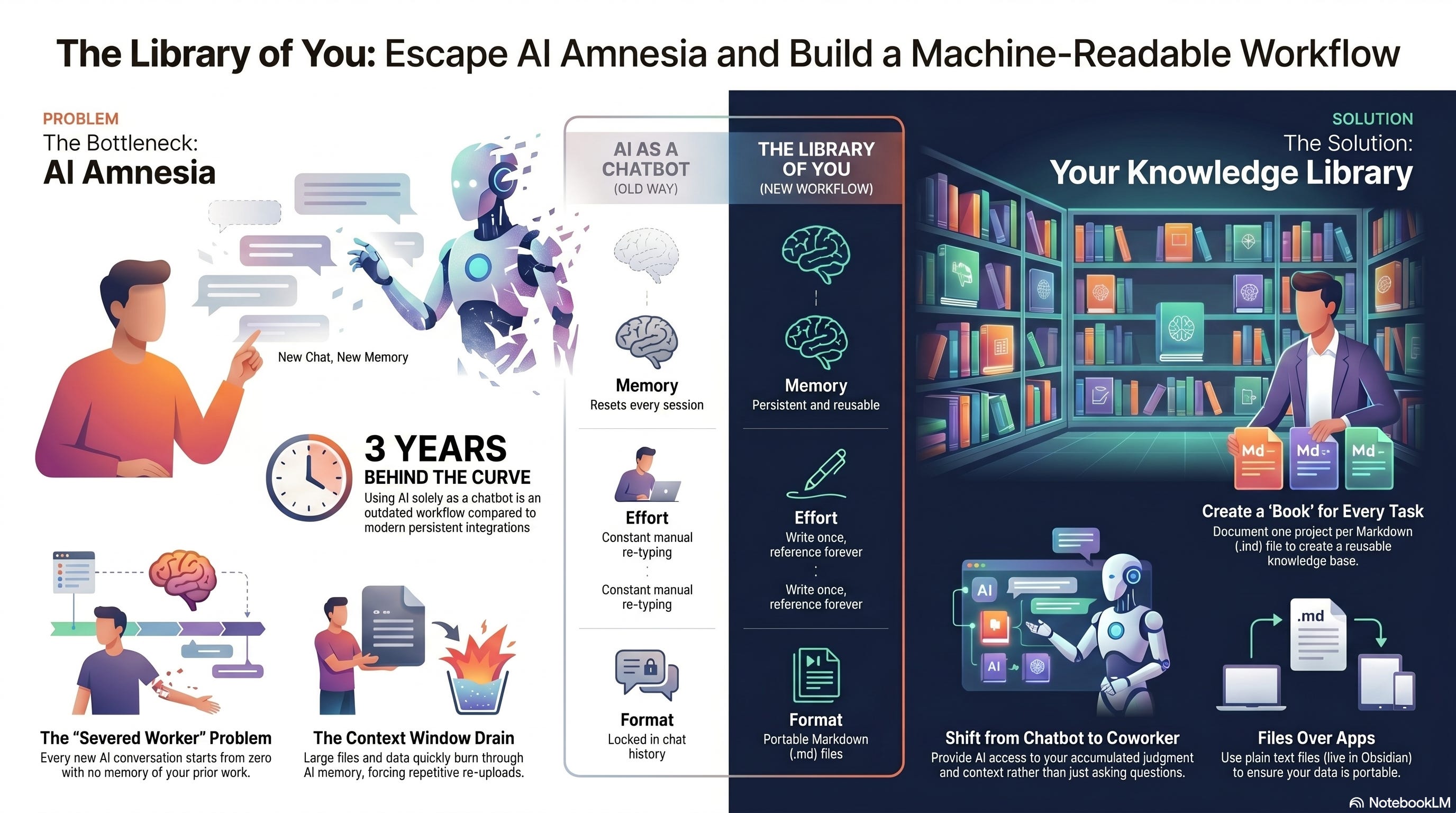
The foundation unit is the .md file. As I covered in a prior post, I’m actively moving toward a “Files Over Apps” framework, where the foundation of all your work is a raw text file rather than something locked inside a proprietary tool. Plain markdown is the lowest friction format for AI to read and write. No export step, no API, no vendor lock-in. The file is the file.
This is also why Obsidian matters.
https://obsidian.md/
Obsidian sits on top of a folder of plain markdown files and turns them into a navigable, linked knowledge base. Backlinks, graph views, plugins, presentation modes, all working on the same raw files. The files stay portable, in a format any tool (including AI) can read. But on top of that raw layer, Obsidian gives you an interface humans actually want to use. That dual nature is why I think Obsidian becomes the foundation tool for most knowledge workers in the next few years. The files work for AI. The interface works for you.
Obsidian is powerful enough that it needs its own multi-part series, which I’ll get to in a later post.
For now, just know that the .md files you start writing today will plug into it without any conversion work later.
Obsidian is free, and has a very steep learning curve so start now
https://obsidian.md/
My additional notes using Obsidian
Markdown + Kanban - by Robert Pilgrim
Today, start a running Word file (convert it to text/md later) and see what you end up with in a few weeks! details project, task, relevant discussion points etc. 4 weeks from now just give it to AI and you will be surprised how powerful that file is!